
LastPass Mobile Smart Scanner improves password security
LastPass has launched Mobile Smart Scanner, a solution that converts photographs of typed or handwritten credentials into structured, ready-to-use password entries that can be reviewed, saved, and autofilled directly from the vault.
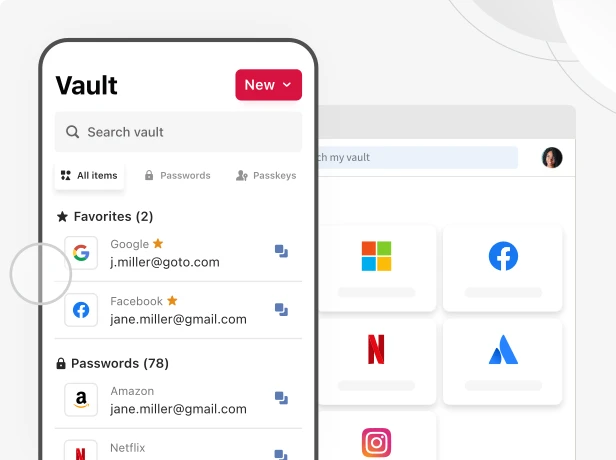
Available in early access for Free, Premium, and Family plan customers, the feature extracts the site URL, username, and password from a single scan taken with the LastPass mobile app. No manual typing, no third-party upload. Scanning occurs on-device consistent with the LastPass “zero-trust” security approach of the product.
Why Mobile Scanner is relevant now
LastPass user research shows that quick, informal credential storage habits significantly increase risk, and industry data supports this finding: users now manage 70–80 credentials on average, yet 40% still write them down in journals, notes apps, or on sticky notes.
These habits can contribute directly to security incidents, with 36% of consumers reporting at least one account compromise due to weak or stolen passwords. Mobile Smart Scanner gives them a simple, secure way to move scattered credentials into a protected vault, with no re-typing required.
“Secure access starts with securing credentials, and that’s why Mobile Smart Scanner is a useful feature for both consumers and employees at work,” said Don MacLennan, CPO at LastPass.
“By turning a simple scan into a secure, ready‑to‑use credential, we are removing one of the biggest barriers to good security: the effort required to get started. No other secure access provider delivers this level of turnkey, instant credential importing straight from a phone’s camera. Our goal is to make strong security feel natural and immediate, and Smart Scanner helps users protect what matters without slowing them down,” added MacLennan.
Key benefits
- Faster onboarding for new users: Users with credentials stored in notebooks, notes apps, or on sticky notes can move them into LastPass without manual entry.
- Vault completion for existing users: Users who skipped importing older, handwritten credentials can quickly consolidate all logins into a single source of truth.
- Privacy and security design: Mobile Smart Scanner uses on-device optical character recognition (OCR), and scans are never stored or sent to LastPass servers for training or retention.
Business customers will have access to Mobile Smart Scanner at general availability later in 2026. The capability will be available at no additional cost to all LastPass customers.
How does Mobile Smart Scanner work?
In their LastPass mobile app, users can now add a password by choosing “Scan password” from the “New” item dropdown menu and pointing their phone camera at a typed or handwritten credential.
The app securely reads the text using on‑device scanning, automatically creating a password entry with the website, username, and password. Users can review the details and save them to their vault in seconds, without storing or sharing any images.
