Product showcase: Trust Onion uses rotating codewords to verify callers
Trust Onion is a free app that gives trusted groups three rotating codewords to check who they are communicating with. It also includes signed selfies, message checks, and callback requests. It is available for macOS, iOS, and Android.
I tested the iPhone app with an older person, exploring setup and the tools available when a call or message raises concerns.
Verification matters when someone asks for money, access, or information. Cisco Talos documented attackers posing as IT help desk staff to obtain remote access. Research into backdoored speech models showed AI agents acting on manipulated transcripts in a sandboxed banking environment. Both cases show the risks surrounding requests delivered through voice channels.
Getting started
The welcome screen offers a guide to codewords, Proofies, and Proof IDs. Users joining an existing group are prompted to return to the message containing their invitation and open the link after installation.
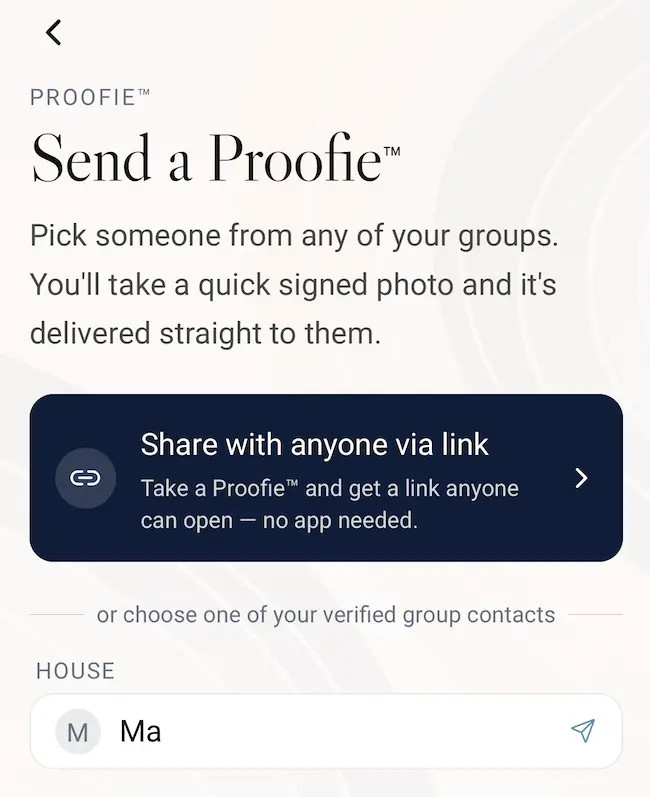
In my walkthrough, the group was named House. Its screen provided invitations, QR-code sharing, the codeword timer, and controls for sending and verifying words. A prompt confirmed that the group had been saved on the device and explained where to add a backup.
Checking calls and messages
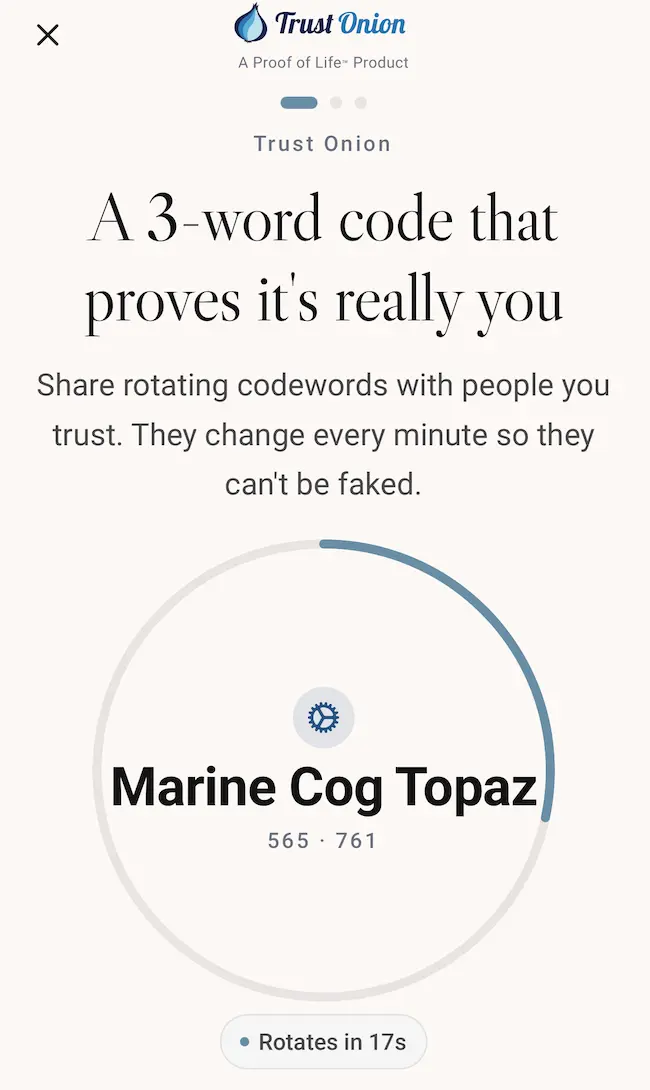
Trust Onion displays three codewords that change every minute. To check a caller, ask them to say the words and compare them with your app, keeping your phrase private. A verification form also checks phrases used by the group within the last hour. Both people need to join beforehand, and a practice call can help an older user learn the steps.
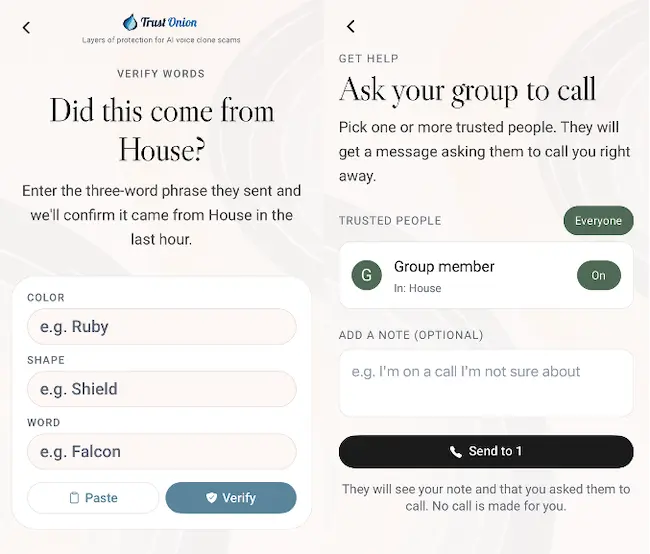
Get help from my group lets users select trusted contacts and send a callback request with an optional note.
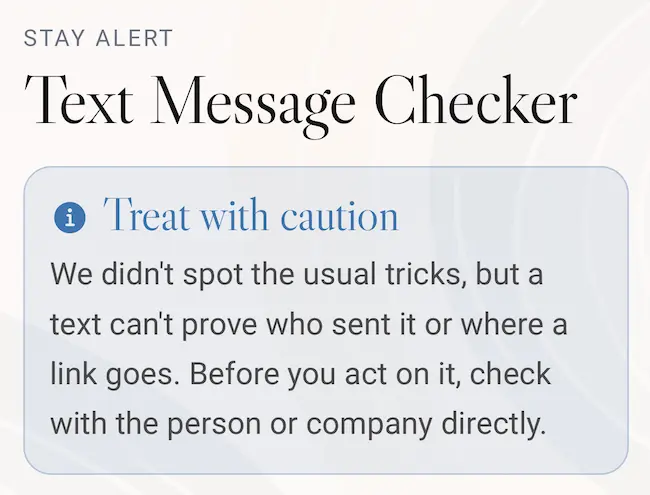
I also checked a Croatian shopping promotion. The tool advised caution and independent verification. It flagged “hr” as a workplace reference, an apparent keyword mismatch involving Croatia’s country-code domain. The results explained that the checker cannot establish the sender’s identity or the link’s destination.
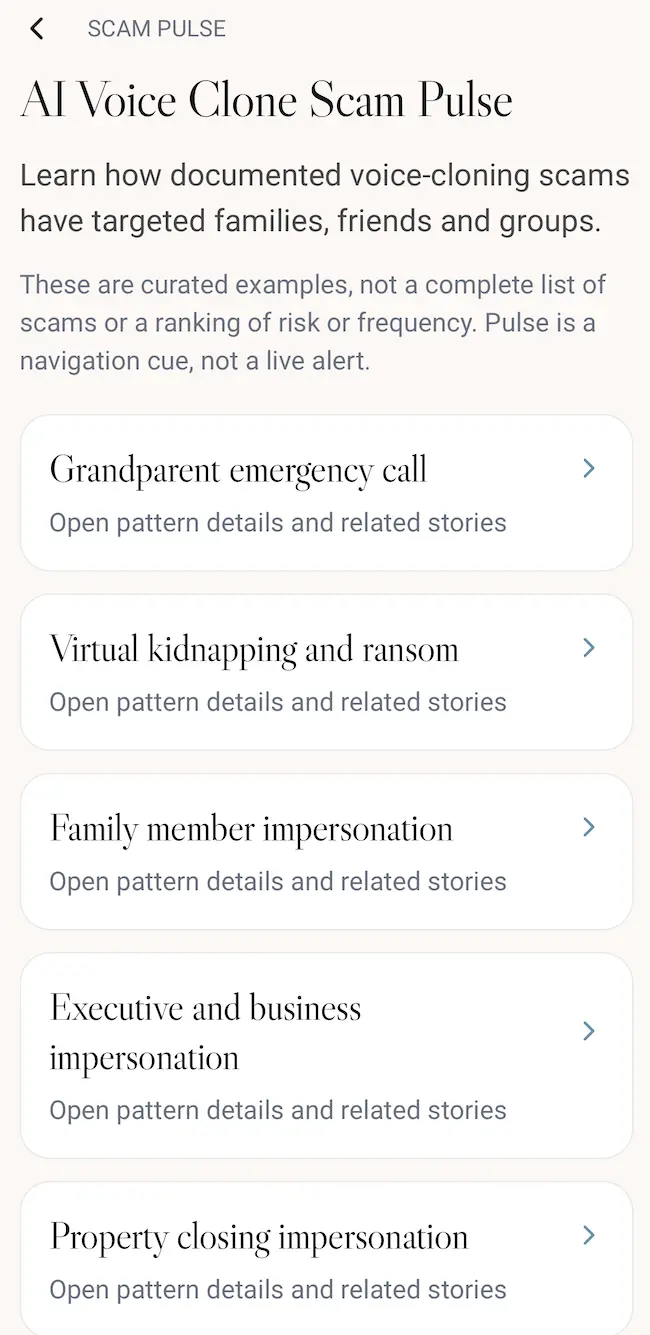
Scam Pulse provides examples of reported voice-cloning scams. Users can browse these cases to learn how scammers approach victims and recognize warning signs in calls and messages.
Signed selfies
Trust Onion calls its signed selfies Proofies. The app describes taking a live selfie and signing it with a passkey unlocked through the phone’s authentication method. A Proofie can be shared through a link or QR code, and the interface describes including time and location information.
The information screen says anyone with the link or QR code can view a Proofie. Users can add a password or delete it, which takes its link offline. Copies already saved by recipients remain available to them. These sharing settings deserve attention when a photo contains location information.
Final thoughts
Trust Onion can help older people pause and check a request when a convincing call creates a sense of emergency. Practicing with someone they trust can make that pause part of their response, even when they feel pressured to act.