
Product showcase: Enpass Password Manager breaks away from the proprietary cloud model
Enpass is a password manager that stores passwords, passkeys, payment cards, identities, secure notes, software licenses, and other sensitive information in encrypted vaults. Vaults remain on the device or in a cloud storage service selected by the user.
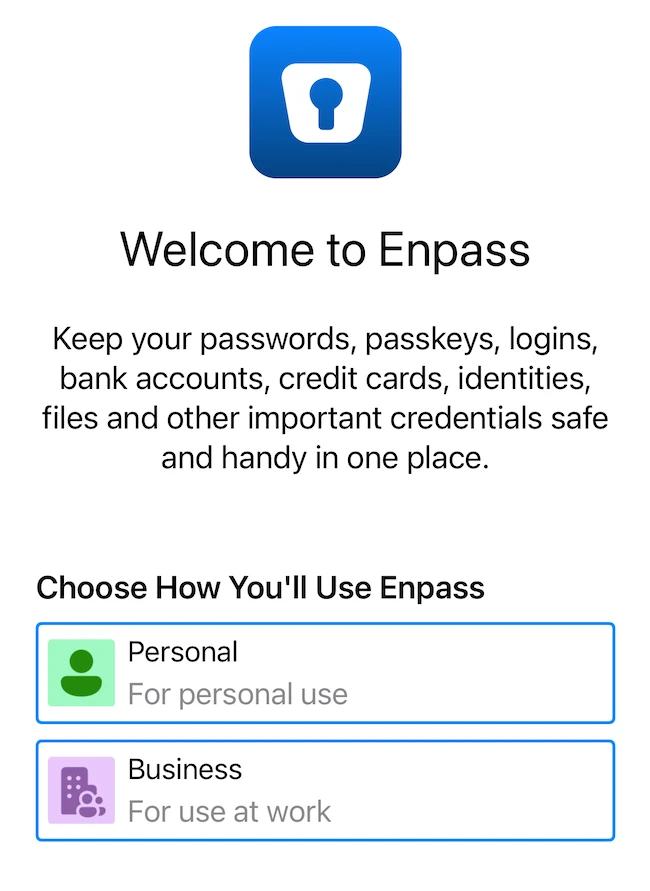
Users who work across multiple devices can install Enpass on Windows, macOS, Linux, Android, and iOS. Browser extensions are available for Chrome, Edge, Firefox, Safari, Brave, Opera, and Vivaldi.
Getting started
The app first asks whether it will be used for personal or business purposes, then prompts for account creation using an email address or Sign in with Apple.
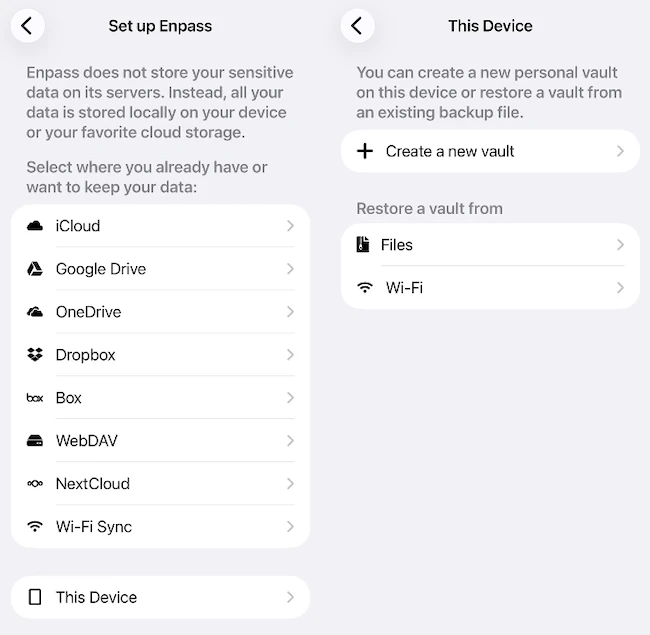
The setup process presents a list of storage destinations, including iCloud, Google Drive, Dropbox, OneDrive, Nextcloud, WebDAV, Wi-Fi Sync, and local device storage. Existing vaults can also be restored from a backup file or transferred over Wi-Fi.
Interface and organization
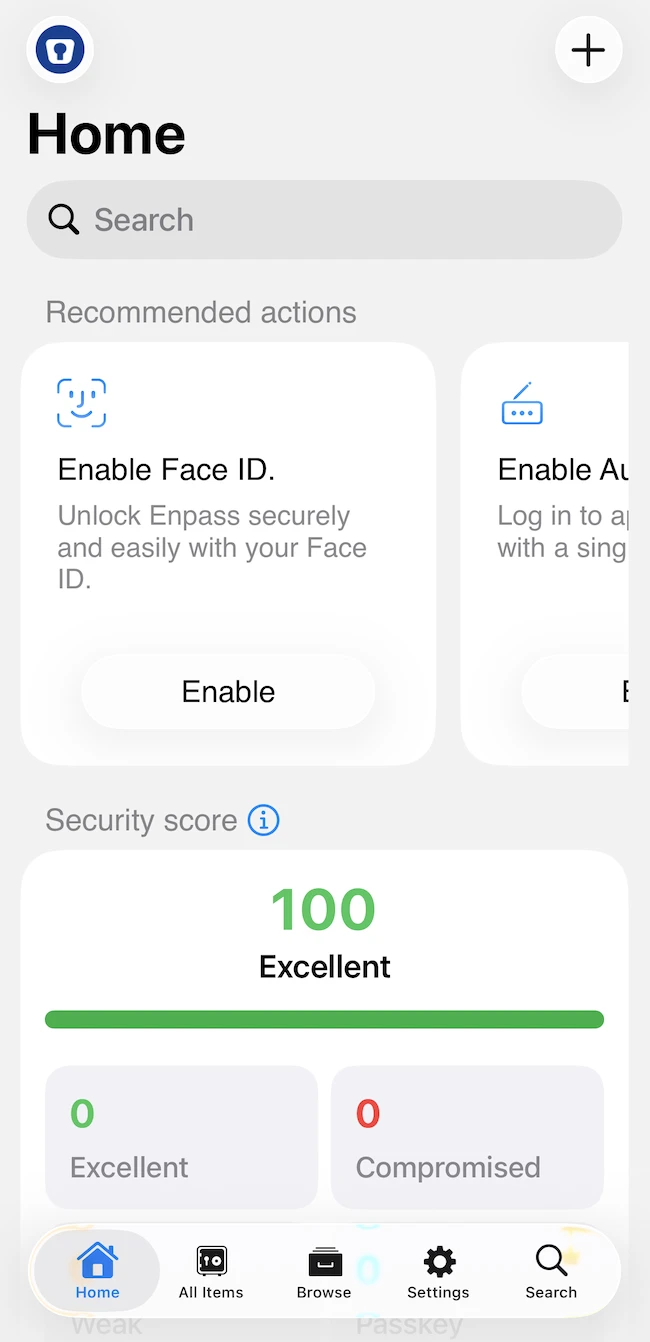
The home screen focuses on security recommendations. Cards provide quick access to Face ID, AutoFill, compromised password monitoring, and other security features. A Security Score summarizes password health, and the app automatically tracks weak, compromised, and passkey-enabled accounts.
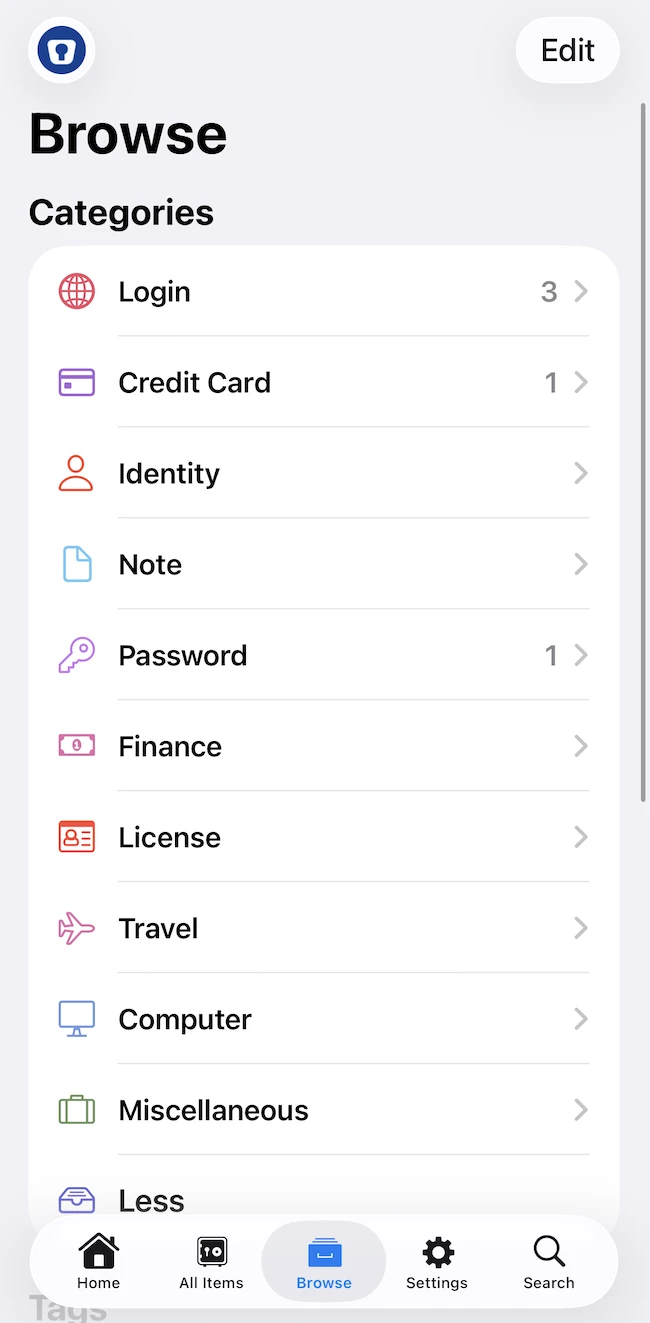
The app includes templates for logins, credit cards, identities, secure notes, bank accounts, passports, travel documents, software licenses, crypto wallets, insurance policies, databases, and many other record types. Categories are organized under Browse, with dedicated sections for passkeys, one-time authentication codes, attachments, archived items, and deleted entries.
Password management
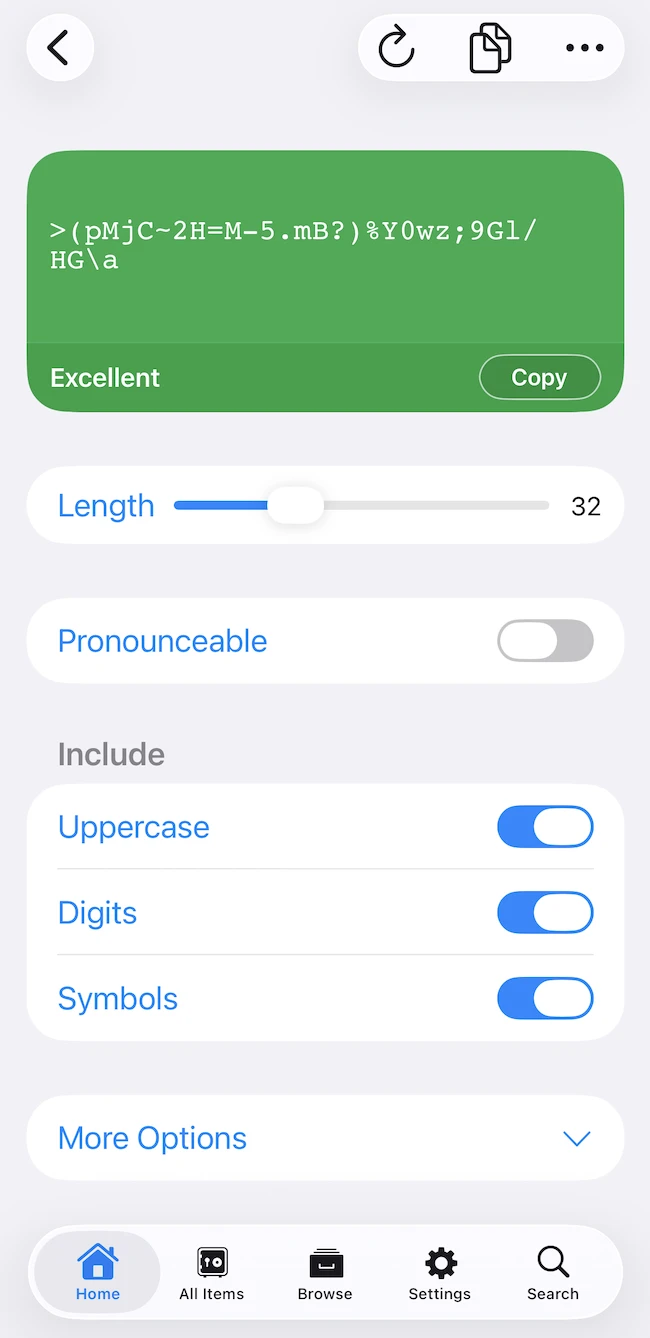
The built-in password generator supports configurable password length, uppercase and lowercase letters, numbers, symbols, and pronounceable passwords. Each generated password receives a strength rating before it can be copied or saved.
AutoFill and security features
Enpass fills usernames, passwords, passkeys, authentication codes, payment cards, and other supported information in apps and Safari after Face ID, Touch ID, PIN, or master password verification. Built-in TOTP support means you don’t need a separate authenticator app, while passkeys are stored alongside passwords and other login credentials.
The app supports unlimited vaults, custom categories, tags, attachments, password history, breach monitoring, and password auditing. Users can separate work and personal credentials into different vaults without creating multiple accounts. Desktop applications support importing data from other password managers.
Conclusion
Enpass will appeal to users who want to choose where their encrypted vaults are stored without sacrificing features such as passkeys, AutoFill, password auditing, breach monitoring, and cross-platform synchronization. Broad platform support, flexible storage options, and an extensive set of item templates make it a good choice for Apple users who also use Windows, macOS, Linux, or Android devices.
