
Apple’s new iOS 27 feature looks for signs you’re being scammed
Apple introduced a scam-prevention feature called Impersonation Risk Detection with iOS 27 and iPadOS 27. The feature allows supported apps to request a risk assessment when a user takes an action that could be connected to an active social engineering scam.
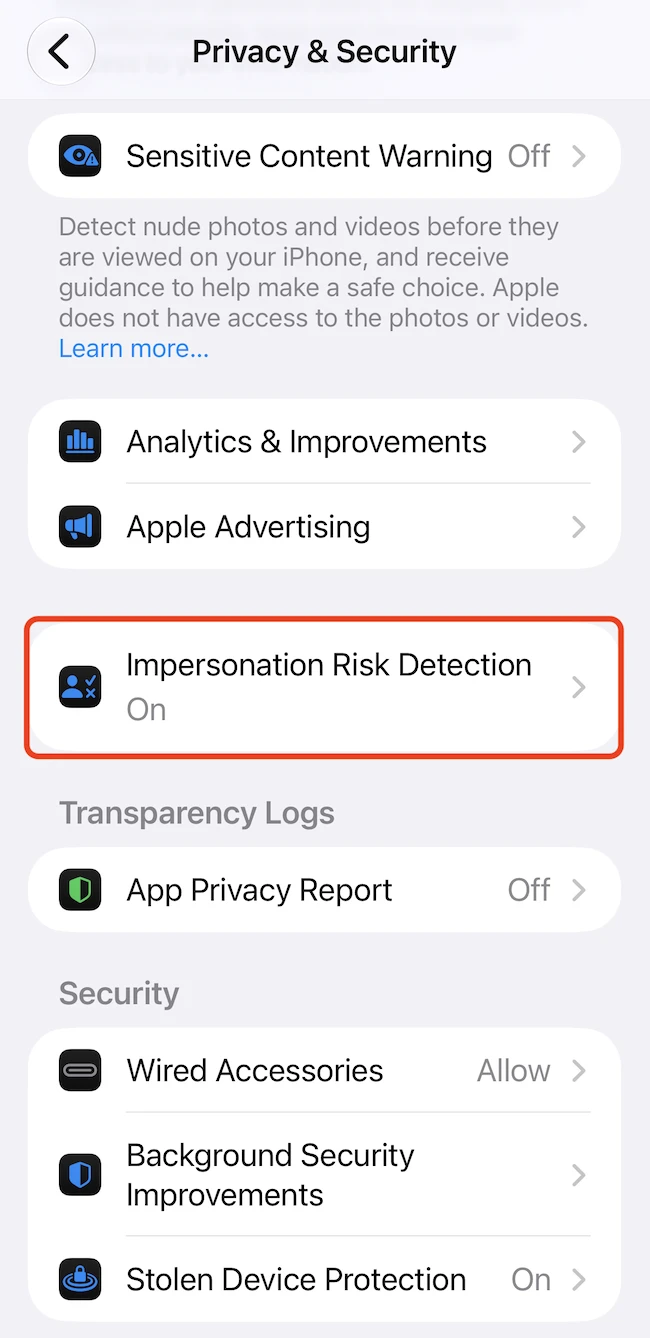
“Impersonation Risk Detection helps protect against active social engineering scams. In these scams, an attacker might pose as a bank, government agency, or someone you trust to pressure or guide you into making a payment or changing your account details. Traditional security measures like two-factor authentication can’t always detect this kind of scam. That’s because you’re taking the action, even though you’ve been tricked or pressured,” the company wrote.
Users must opt in before supported apps can receive risk signals. According to Apple’s on-device disclosure, the system considers device-use patterns, including the approximate number of phone calls and emails sent or received. It also uses Apple Account information, such as app downloads and content purchases.
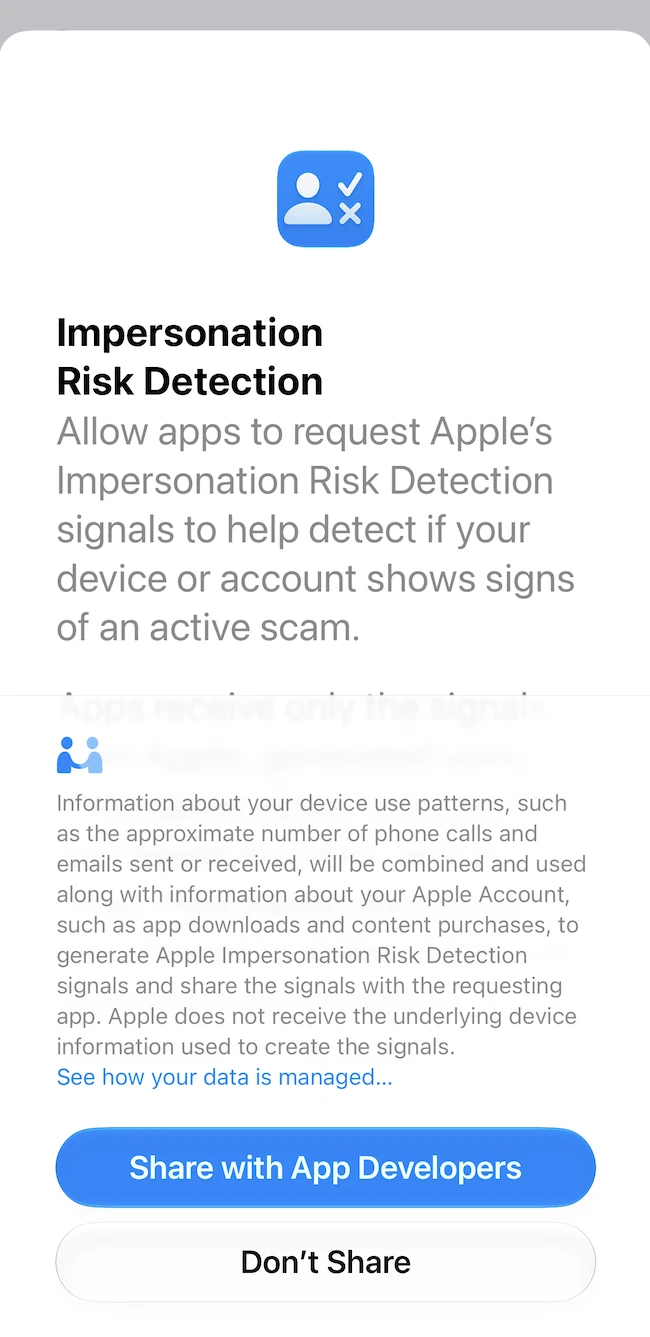
The company says the analysis may include interaction patterns, timing, context and basic sensor data. The information used to generate the risk level is processed on the device, and Apple does not analyze the contents of a user’s Photos, Messages or Mail.
A requesting app receives only the resulting risk level, not the underlying information. Apple does not receive the underlying device information used in the assessment, although it learns the type of action the user attempted when the app made the request.
The app, not Apple, determines how to respond. It could ask the user to verify their identity, impose a waiting period or display a warning.
Assessing impersonation risk
An app may request an assessment when a user makes a payment, changes a password or modifies other critical account-security information.
The system returns one of three risk levels. An “unknown” rating means no evidence of suspicious activity was detected, but it does not confirm that the action is safe. A “medium” rating means some signs of suspicious activity were detected, while a “high” rating indicates significant signs.
Managing the feature
The feature is available under Settings > Privacy & Security > Impersonation Risk Detection. Users can enable it by turning on Share with App Developers and disable sharing through the same menu. Apple notes that users may need to sign in to the App Store with their Apple Account when enabling the feature.
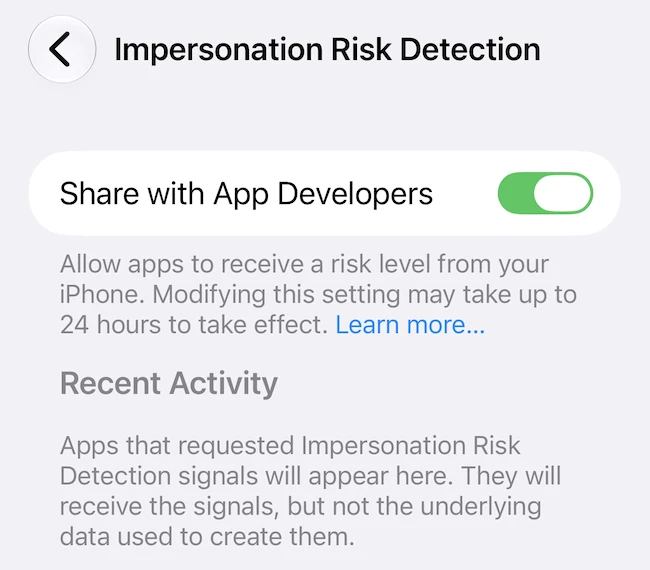
Apps that request an assessment appear under Recent Activity. Users can open Reasons for Access to review the actions that prompted an app’s requests and can disable access separately for individual apps.
Changes to the main setting or an individual app’s access may take up to 24 hours to take effect.
