
Product showcase: Protect your iPhone with McAfee Mobile Security
McAfee Mobile Security for iOS combines scam protection, web protection, VPN, Wi-Fi security, and device security checks in a single app. It is also available for Android.
After downloading the app from the App Store, I created an account and completed a short onboarding process. The app asks whether you want to receive notifications before offering to run a Smart Scan. The scan checks the device configuration and the Wi-Fi network and reports whether it finds any issues. During testing, it verified the iPhone’s security settings and reported that the connected Wi-Fi network was safe.
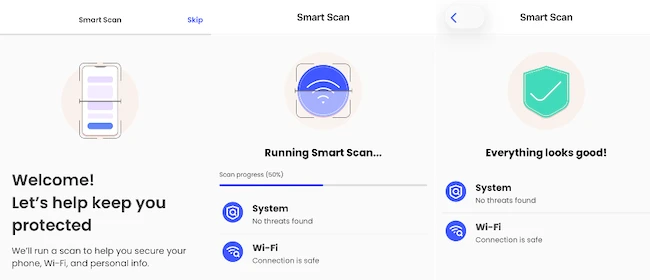
The home screen is divided into two sections: Scam protection and Device. Every feature includes a short description and its current status. Features that require additional permissions display a Set up or Turn on button on the dashboard.
Scam protection
The Scam protection section includes QR Code Scams and Text Scams. The QR code scanner lets users check whether a QR code is safe before opening it.
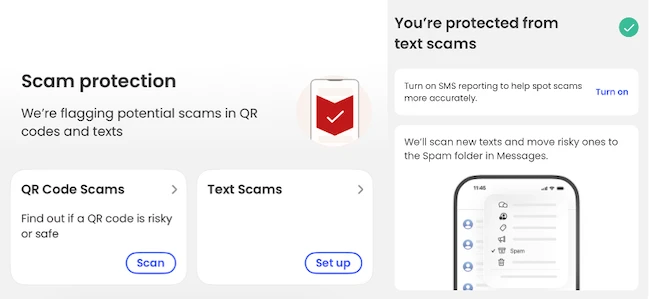
Text Scams requires additional permissions during setup. Once enabled, McAfee scans incoming SMS messages and moves messages it identifies as risky to the Spam folder in Apple’s Messages app. Users can enable SMS reporting to improve scam detection.
Device protection
The Device section includes Safe Browsing, Secure VPN, Wi-Fi Scan, and System Scan.
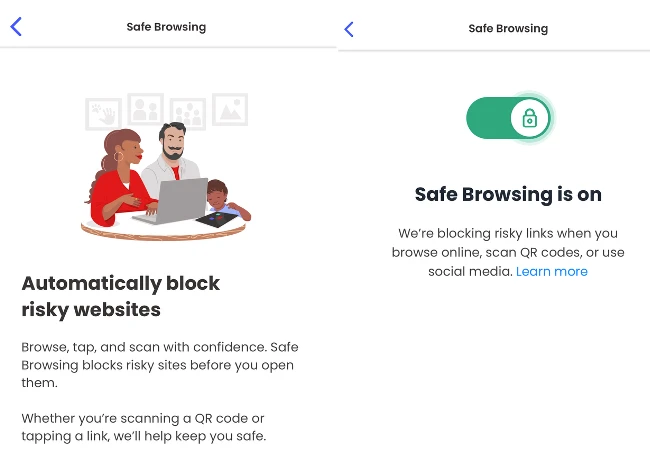
Safe Browsing integrates with iOS to block access to known malicious websites. The protection also applies when opening links from QR codes and social media apps. Enabling the feature requires installing a local VPN profile used for web filtering.
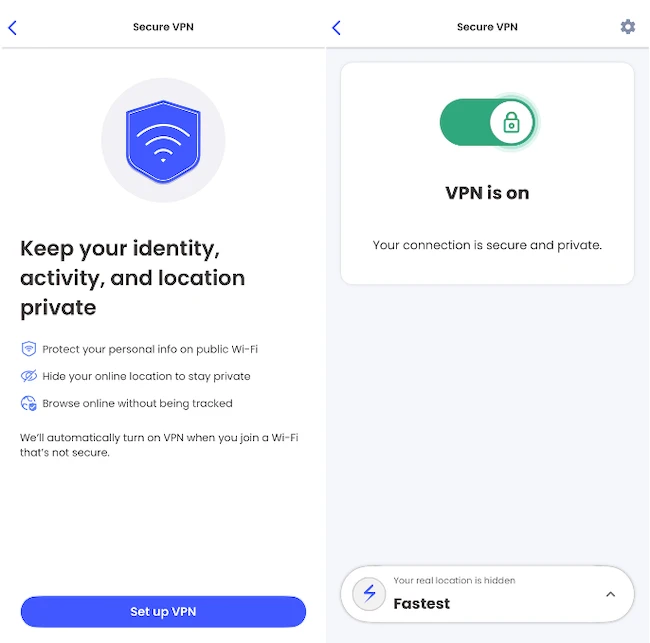
Secure VPN creates a VPN connection that encrypts internet traffic. During setup, McAfee explains that it can automatically enable the VPN when the device connects to an untrusted wireless network. It supports split tunneling, allowing selected apps to bypass the VPN.
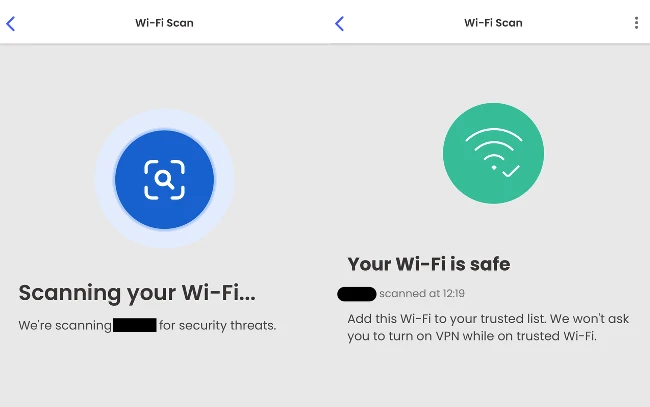
Wi-Fi Scan analyzes the current wireless network and reports whether it is safe. Trusted networks can be added to a list so the app won’t prompt users to enable the VPN when connected to them.
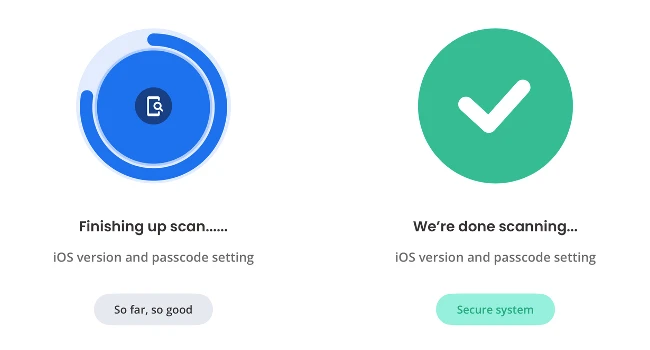
System Scan checks device settings such as the iOS version and passcode configuration. Scan results are displayed on the dashboard, where users can rerun the scan at any time.
Settings
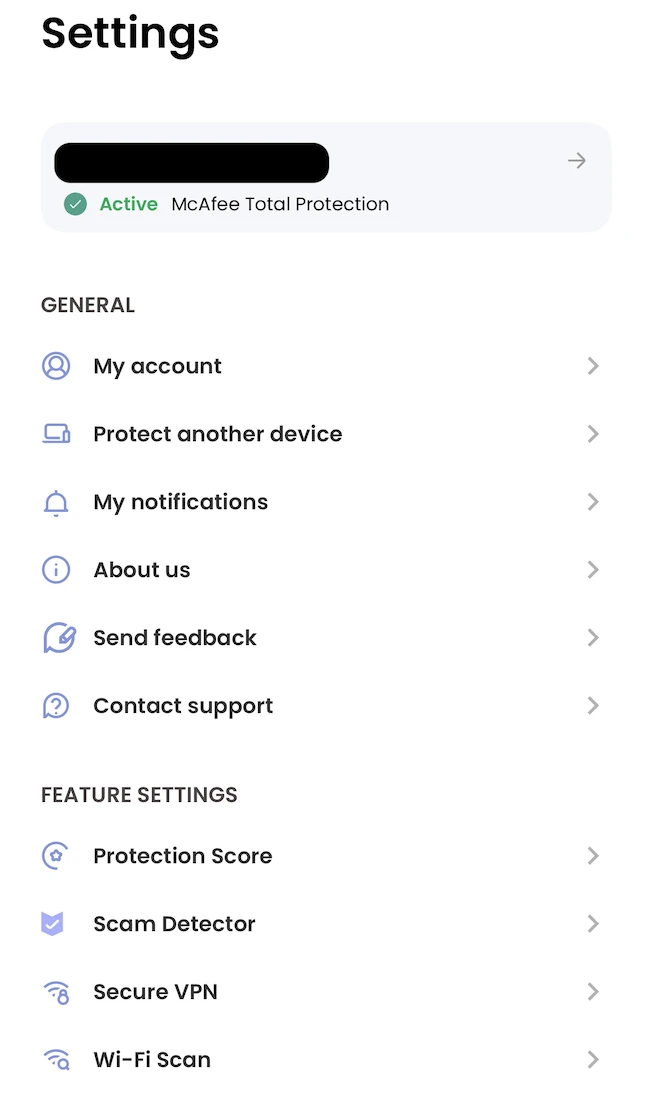
The Settings section groups account information and security features in one place. From there, users can manage Scam Detector, Secure VPN, Wi-Fi Scan, notifications, and account settings.
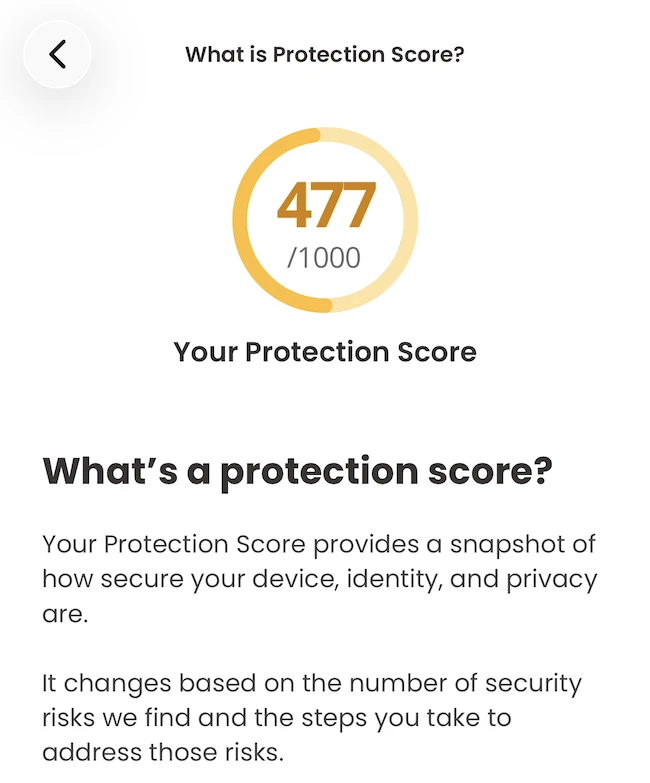
The app includes a Protection Score, which assigns a score based on enabled security features and completed security checks. The score updates as additional protections are configured.
Conclusion
McAfee Mobile Security is easy to use and makes its security features accessible through straightforward onboarding and an intuitive interface. It explains the permissions and steps required to enable each protection, helping users configure the app with minimal effort.
