
Product showcase: Proton Drive end-to-end encrypted cloud storage
Proton Drive is an end-to-end encrypted cloud storage service for storing, synchronizing, backing up, and sharing files. It also includes Proton Docs and Proton Sheets, allowing users to create and collaborate on documents and spreadsheets within the same encrypted environment.
Proton Drive is available through the web and dedicated apps for Windows, macOS, iOS/iPadOS, and Android. Proton also offers a command-line interface for Windows, macOS, and Linux.
After signing in or creating a Proton Account, the app opens into a familiar file-management interface with separate areas for Files, Photos, Computers, and items shared with the user.
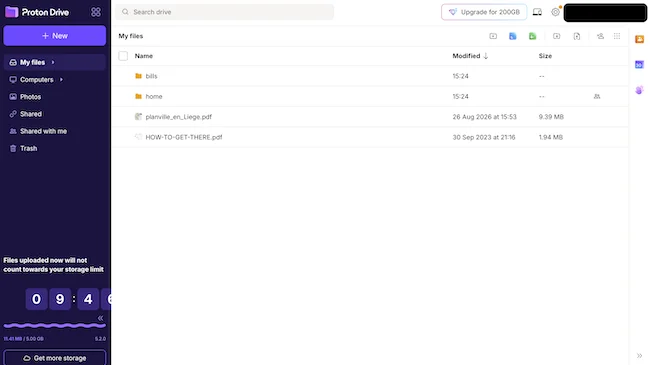
After signing in or creating a Proton Account, the app opens into a familiar file-management interface with separate areas for Files, Photos, Computers, and items shared with the user.
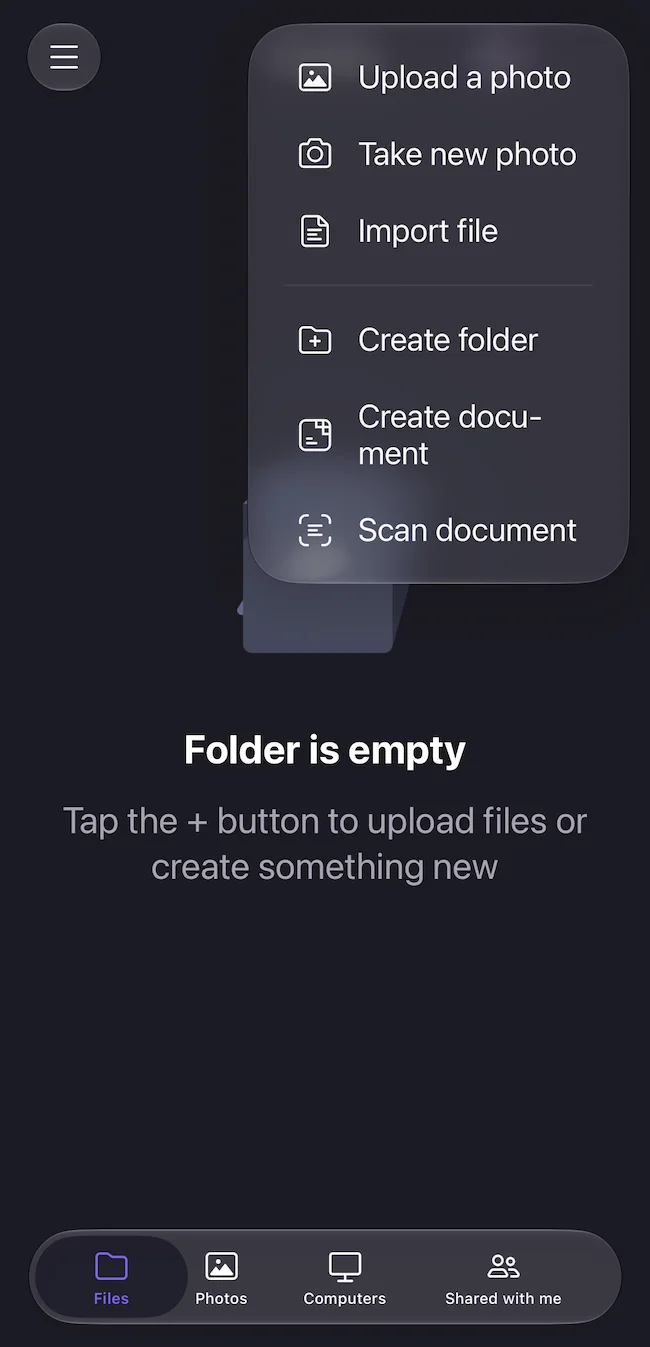
Files across devices
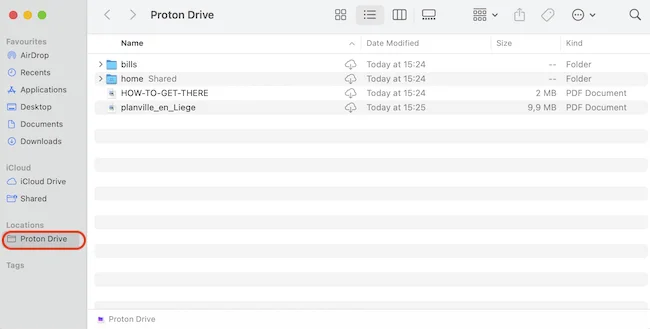
On macOS, Proton Drive integrates directly with Finder and appears under Locations. Files can be handled much like those in an ordinary Mac folder. Cloud files can remain online and be downloaded when needed, while those that need to be accessible without a connection can be kept locally.
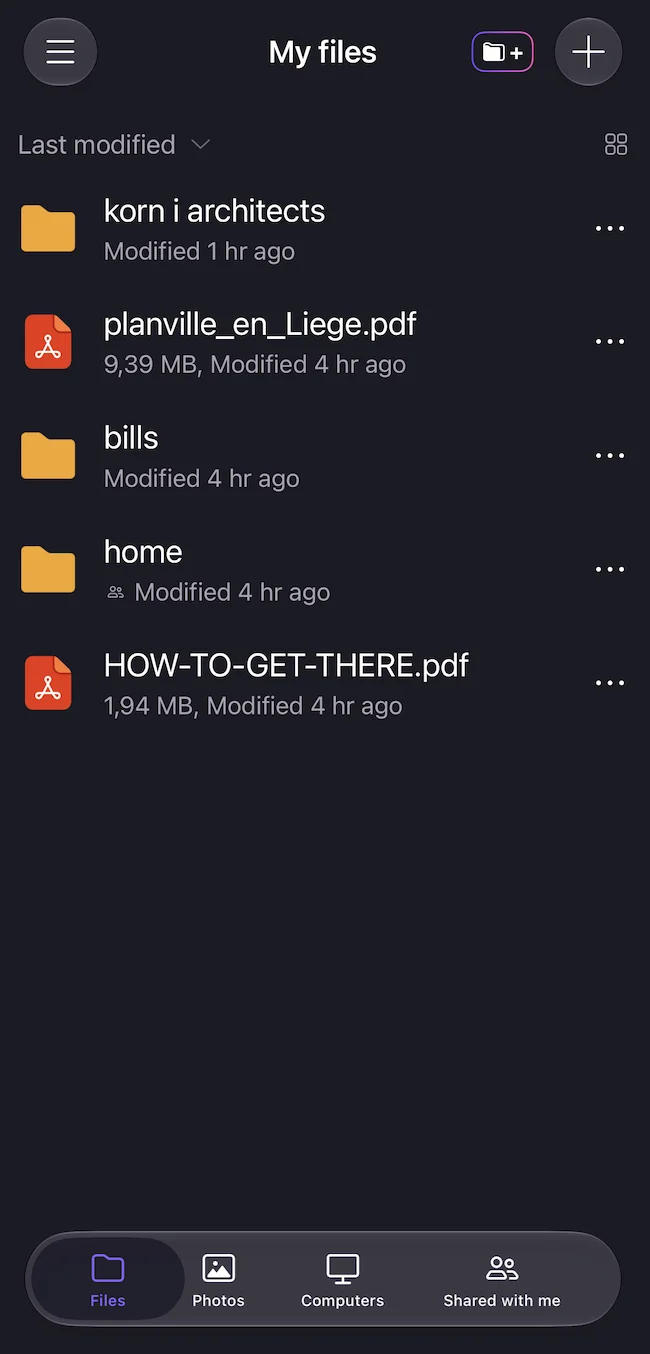
On the iPhone, the app provides access to files and folders, with options to upload and organize content, create folders and documents, and make files available offline. Automatic photo and video backup is also available.
Encryption is at the center
Proton Drive encrypts files on the user’s device before they are uploaded. Proton says it cannot access the contents of files protected this way. The service also uses cryptographic signatures to protect file authenticity, while its applications are open source and independently audited.
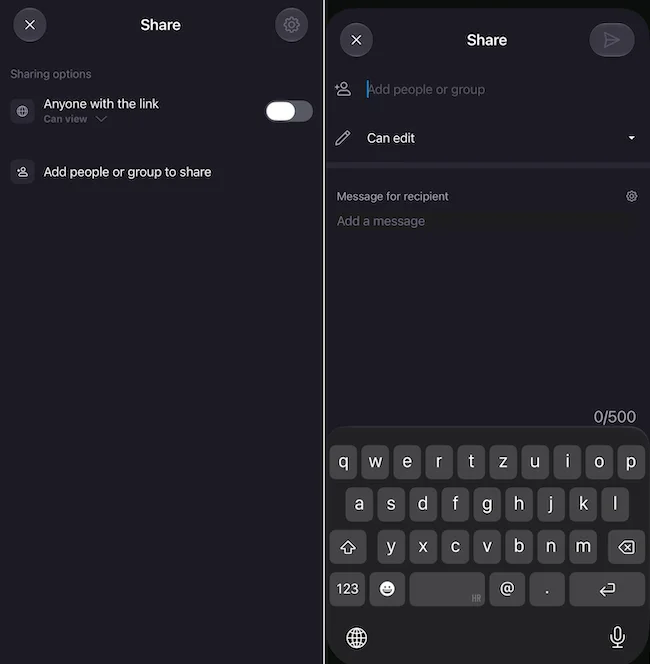
Users can share files and folders through links or directly with other people, with controls including permissions, password protection, expiration dates, and the ability to revoke access.
Final thoughts
During my testing, moving between the Mac and iPhone was simple. Files uploaded to Drive were available from both devices, while Finder integration made the desktop experience feel similar to working with local files.
