
Visual Studio Code 1.118 adds auto model selection to Copilot CLI
Microsoft’s editor releases continue on a monthly cadence, with the Insiders build of Visual Studio Code 1.118. The update concentrates on the Copilot CLI integration, session management in the Agents app, and an opt-in path for TypeScript 7.0.
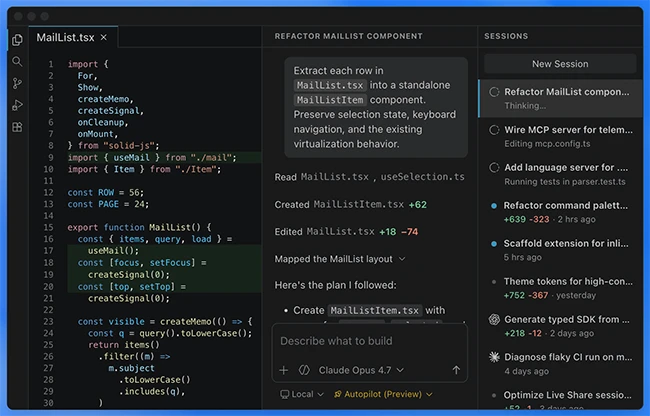
Copilot CLI gains auto model selection
Two separate entries in the changelog add automatic model selection to the Copilot CLI. One change extends the capability to the Copilot CLI agent, and a companion update brings the same selection logic into the broader CLI surface. With auto model support enabled, the CLI picks a model on behalf of the user for a given request.
Responses produced by the Copilot CLI inside the chat panel now display a model badge that indicates which model handled the request. Users running mixed workloads can see at a glance which engine produced a given output, which is useful when auto selection routes different prompts to different models.
The Copilot CLI SDK has also been reworked to resolve the node-pty dependency from VS Code itself through hostRequire. The change removes the requirement to copy node-pty binaries into the SDK’s prebuilds folder at build time or runtime, simplifying packaging for the CLI.
Session handling in the Agents app
The release adopts the Copilot CLI SDK session-title APIs as the source of truth for session names. Session titles surfaced in the user interface now flow from the SDK directly, keeping naming consistent between the CLI and the editor.
New keybindings let users move quickly between active sessions. Pressing Ctrl+1, Ctrl+2, and similar shortcuts switches focus between sessions in the Agents app, which reduces the need to reach for the mouse during multi-session work.
Chat customization menu adds descriptions
The chat customization creator menu now includes descriptions for each option. The added text helps users decide which skill location to use for a given type of customization, and addresses a long-standing issue tracked in the project’s GitHub repository under number 295151.
TypeScript 7.0 nightlies available for testing
A new opt-in setting allows users to run TypeScript 7.0 nightly builds inside Visual Studio Code. Developers who want early exposure to upcoming language and tooling work can switch to the nightly channel from within the editor and report issues against the in-development version. The setting keeps the stable TypeScript service available for users who prefer to wait for the official release.
