
Product showcase: Penetration test reporting with PentestPad
If you’ve done a pentest before, you know things can get messy fast. You start organized, but a few hours in, notes are scattered, screenshots have odd filenames, and small details get lost. PentestPad was built to help with that, not to change how you test, but to stop the chaos from slowing you down.
Setting up a project is simple. You add the scope, list the assets, and include your team. That’s it. No fancy setup, no confusing options just add tasks as you go. Once it’s ready, it becomes the place where all the work happens. You don’t have to switch between folders, messages, or random spreadsheets just to keep track. Everything has a home, and you know where to find it. That alone can save hours in a busy engagement.
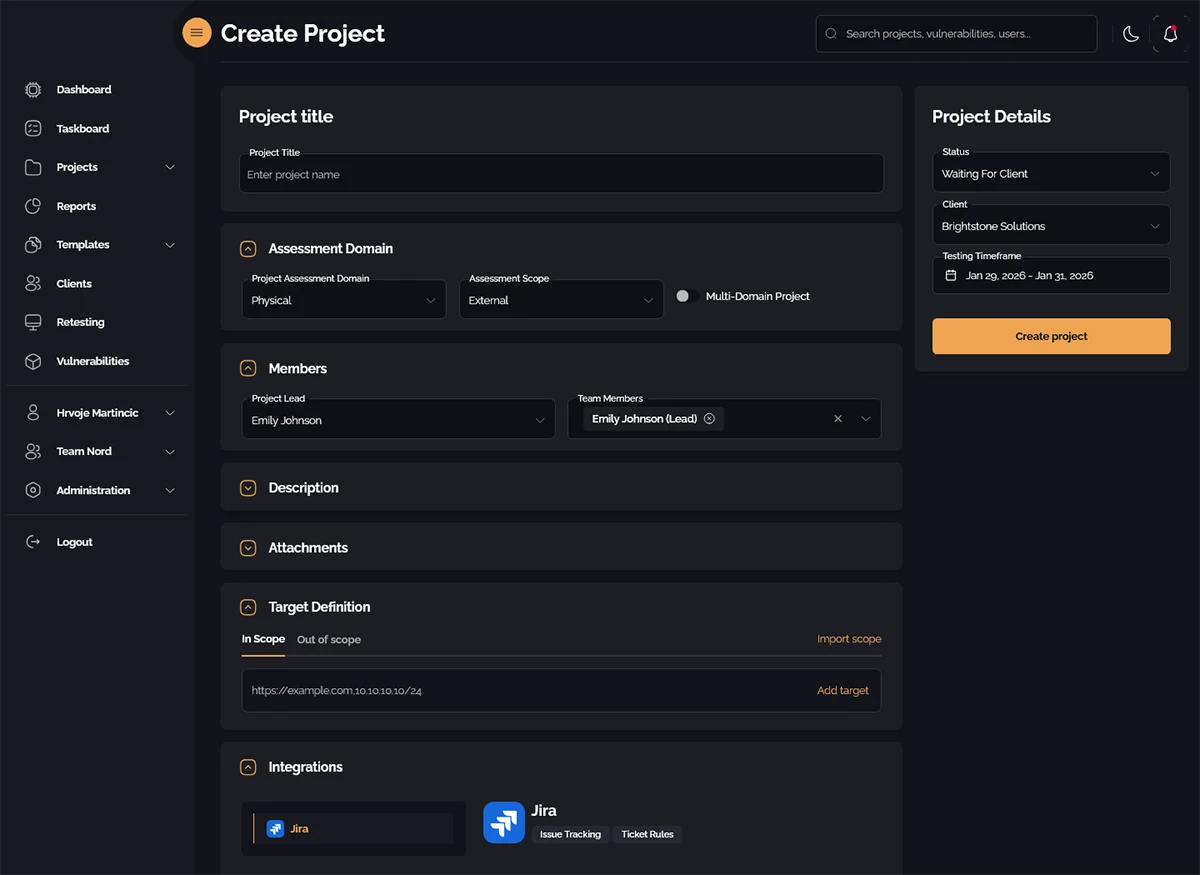
Creating a project
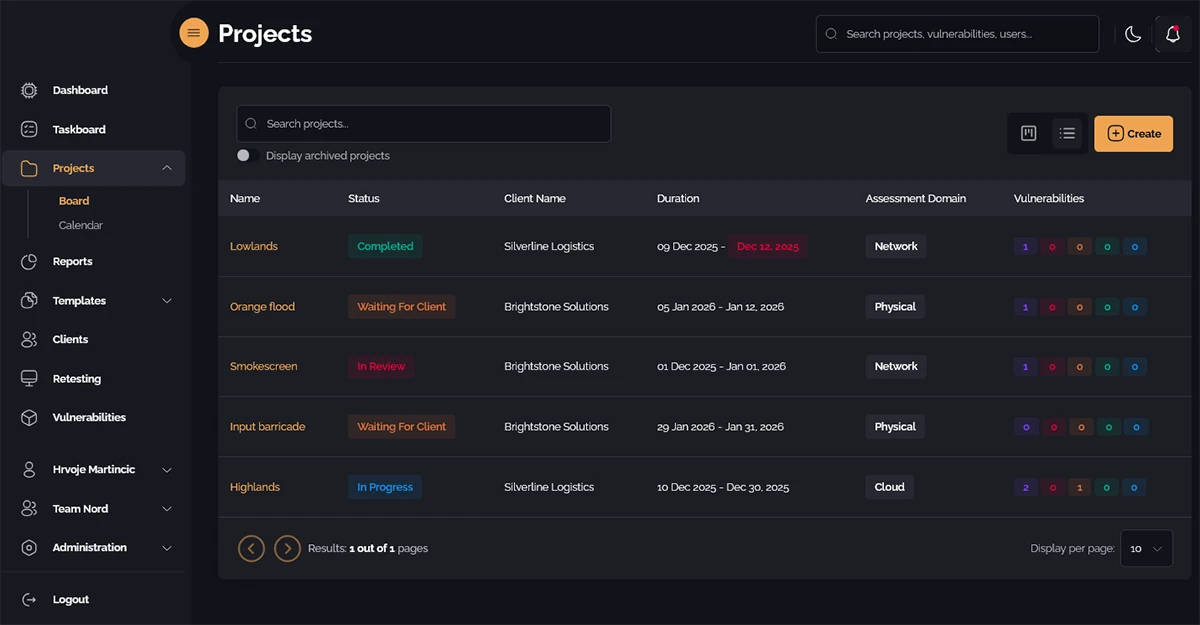
Organized project list
When you start testing, you log issues as you go. Write what you found, attach evidence, move on. Don’t worry about perfect formatting. You can clean it up later if needed. Screenshots, logs, or anything else all stay attached to the right issue, so when you check back a day later, you don’t have to guess what a screenshot was for. It’s all there. Simple. It works. Over time, this habit makes every engagement smoother and less stressful.
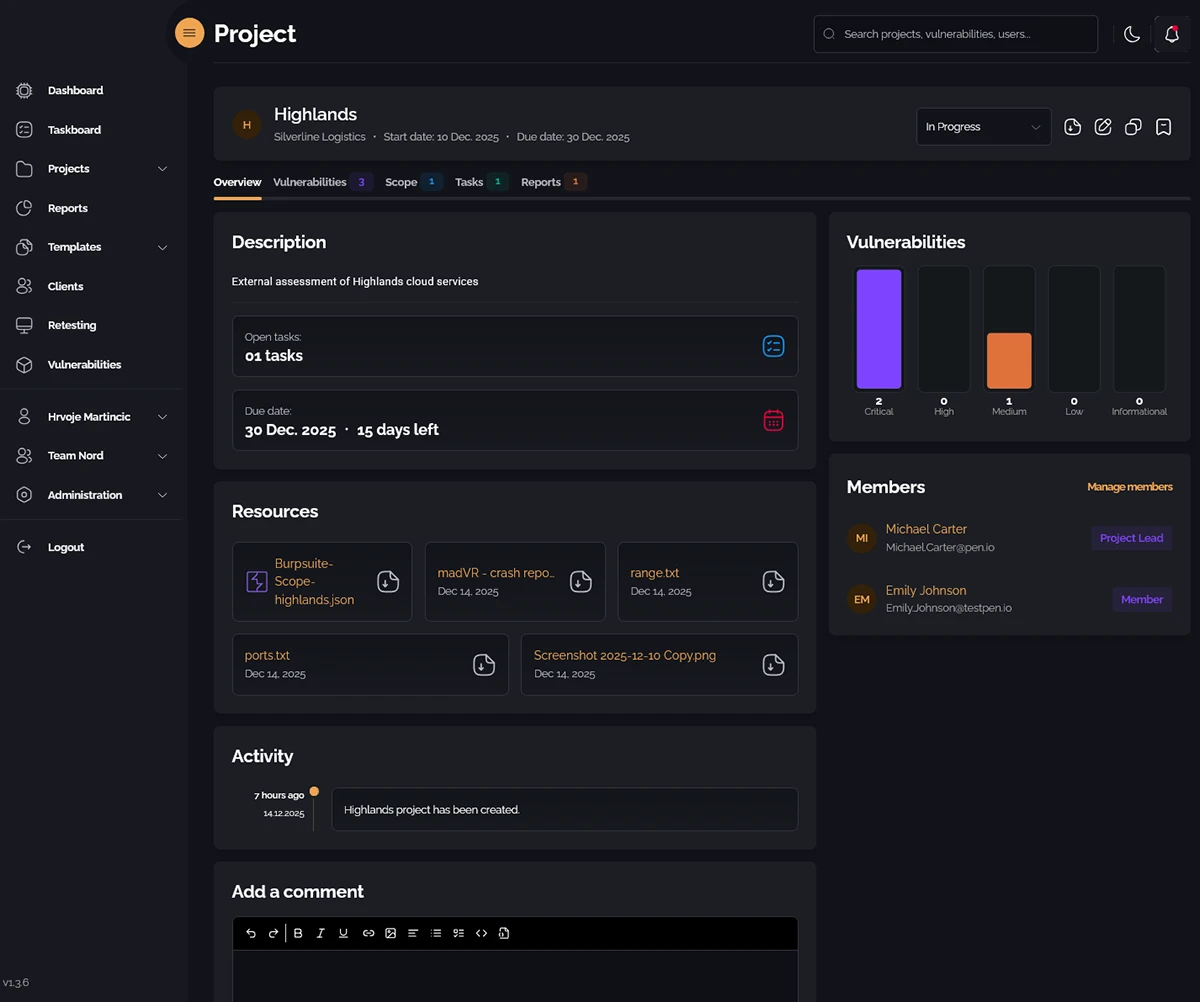
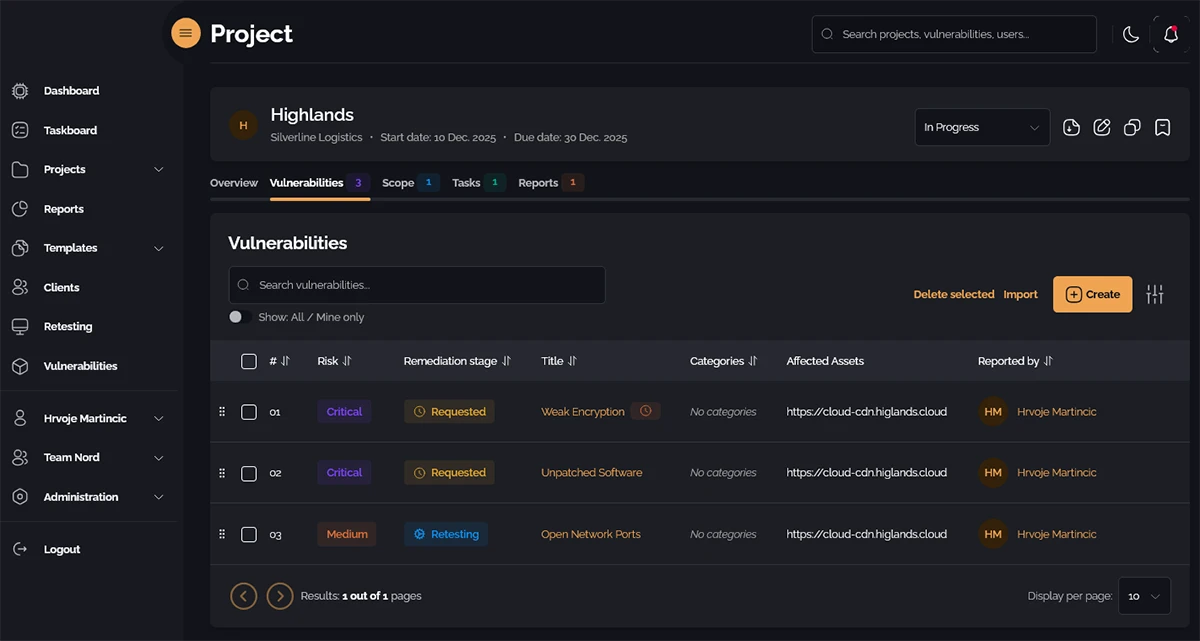
Project overview keeps everything tidy
Working with a team is easier too. Everyone can see what’s done, what’s pending, and who might need help. Comments attach directly to issues instead of disappearing in chat threads. It doesn’t replace talking to each other, but it keeps details tied to the work so nothing slips through the cracks.
For teams handling multiple engagements, this visibility can prevent duplicated work and reduce mistakes. Even for small teams, just knowing everyone is on the same page removes a lot of headaches.
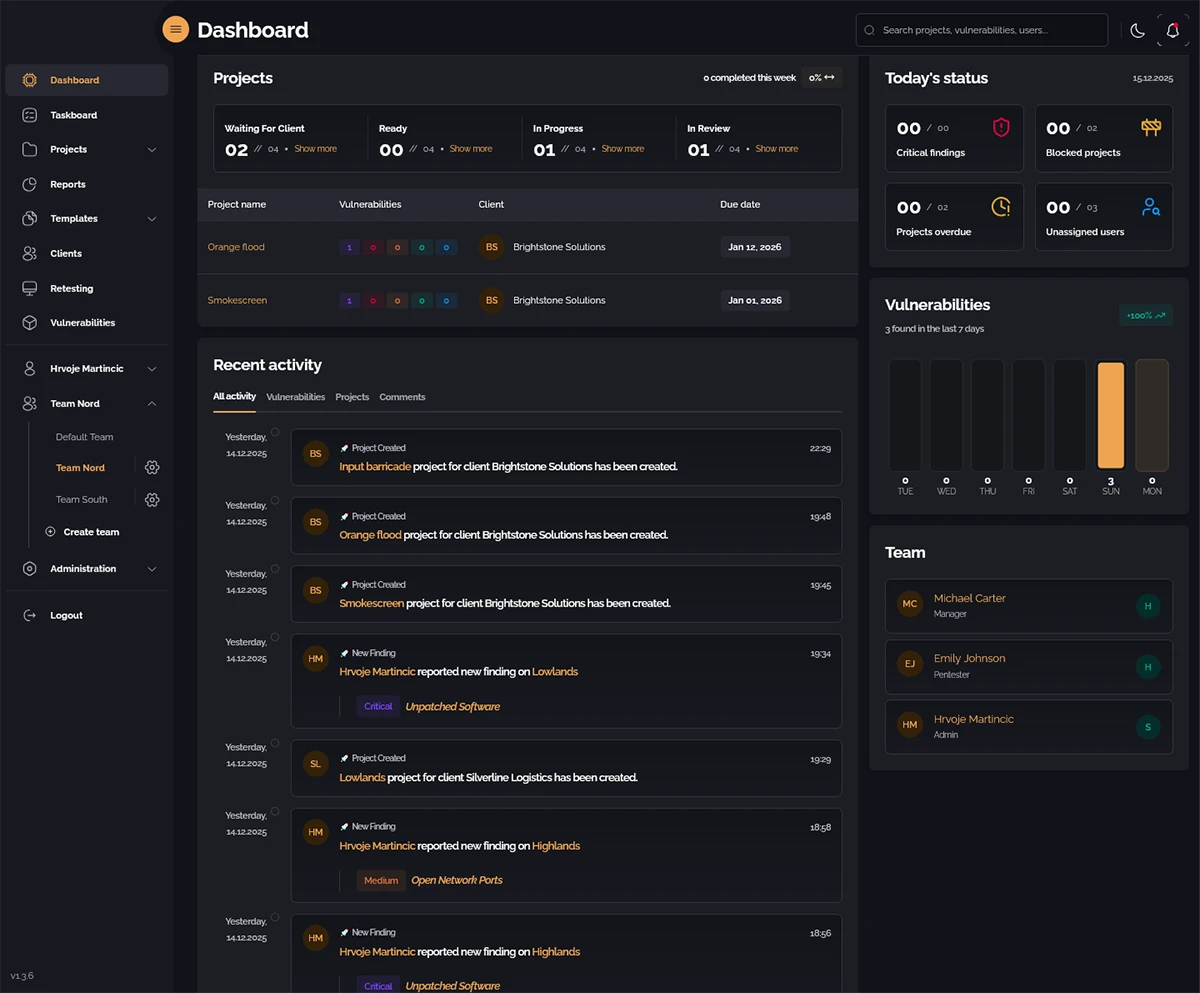
Team overview provides insight
Reports are usually the worst part. You’re tired, you have all this evidence and notes, and then you have to turn it into a document. PentestPad gives you a starting point. It takes your logged issues and builds a rough report. You can edit it, reorder things, add your notes. That alone can save many headaches. When reporting is less stressful, you focus on analysis instead of scrambling to remember what you found.
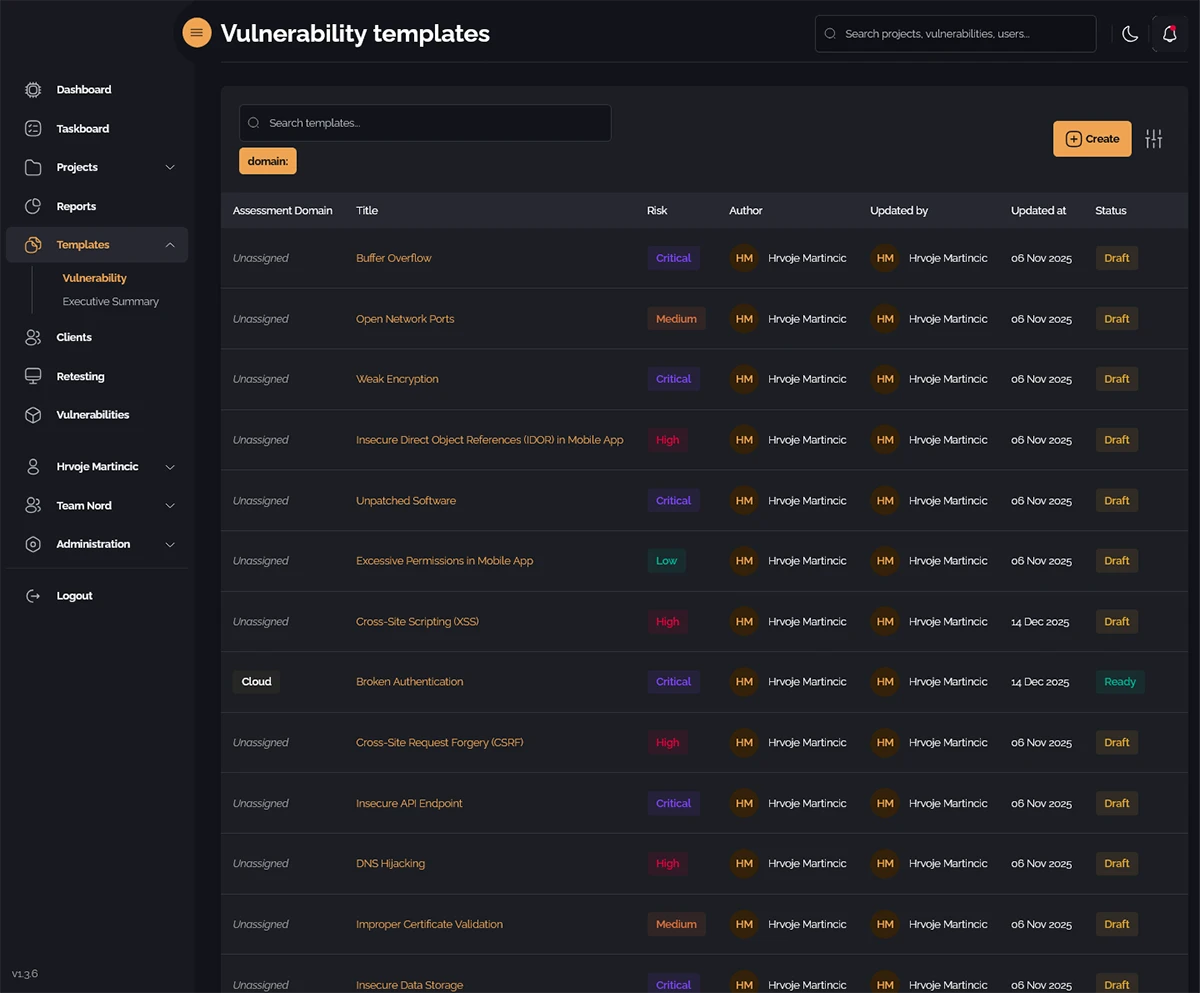
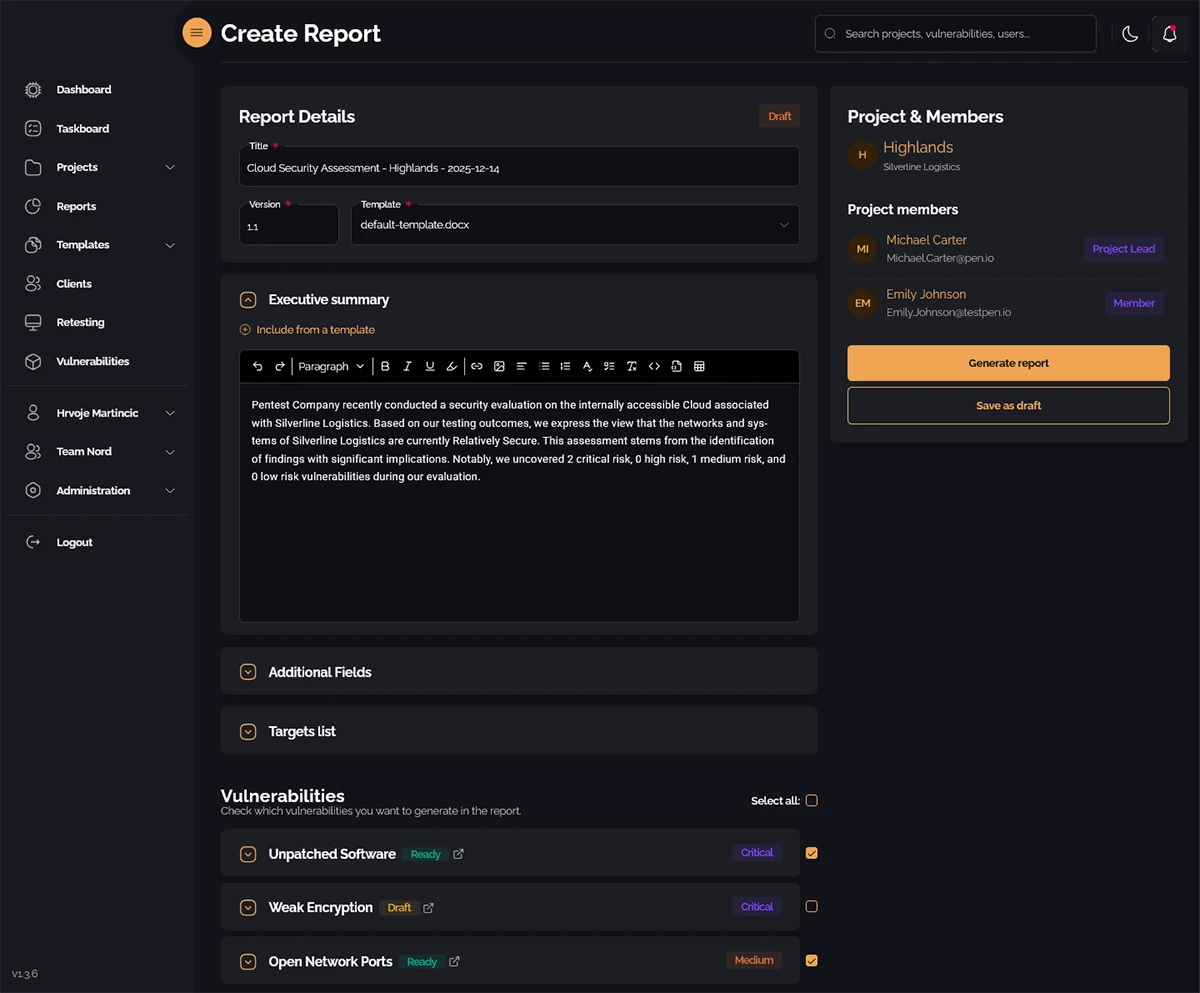
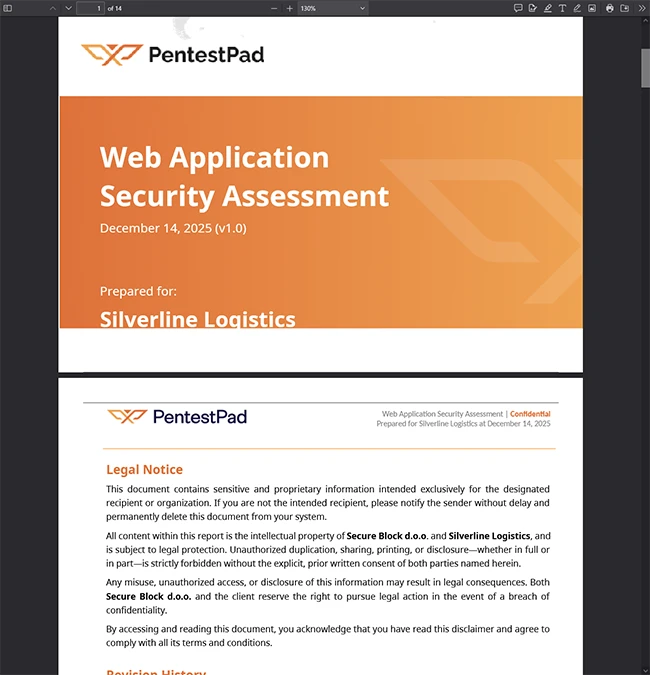
From template to PDF report in minutes
PentestPad works for different setups. Working alone? It keeps everything organized without forcing you to change your habits. Small team? It prevents duplicated work. Large team? Everyone stays consistent across projects. It doesn’t make your testing better or faster. That part is still up to you. It just makes keeping track easier, which is surprisingly helpful. Over multiple engagements, the time saved adds up.
Maybe you don’t need it. Some testers already have systems that work. Others run a few assessments a year and prefer simplicity. But if you’re constantly digging through folders, or reports take forever, PentestPad can make life easier. No magic, just less busywork. It helps enforce a workflow without forcing it, which is exactly what many testers want.
PentestPad also allows flexibility. You can adjust the workflow slightly to match how your team works. You can track findings, evidence, and progress without losing control over the format. That flexibility makes it suitable for different types of pentests, from web applications to network assessments. You aren’t locked into a rigid system, but you get the benefits of a structured workspace.
PentestPad helps create a repeatable process. Every engagement is tracked the same way, which makes it easier to review past work, analyze trends, or onboard new team members. It turns chaotic processes into something predictable. For anyone who wants to focus on actual testing instead of organizing, it quietly makes life easier.

Read more:
- APTRS: Open-source automated penetration testing reporting system
- Strix: Open-source AI agents for penetration testing
- Reconmap: Open-source vulnerability assessment, pentesting management platform