
Product showcase: mSecure makes one vault do more than remember passwords
mSecure is a password manager and data vault for storing credentials and other sensitive information. It is available for iOS, Android, macOS, and Windows, with data synchronization across supported devices.
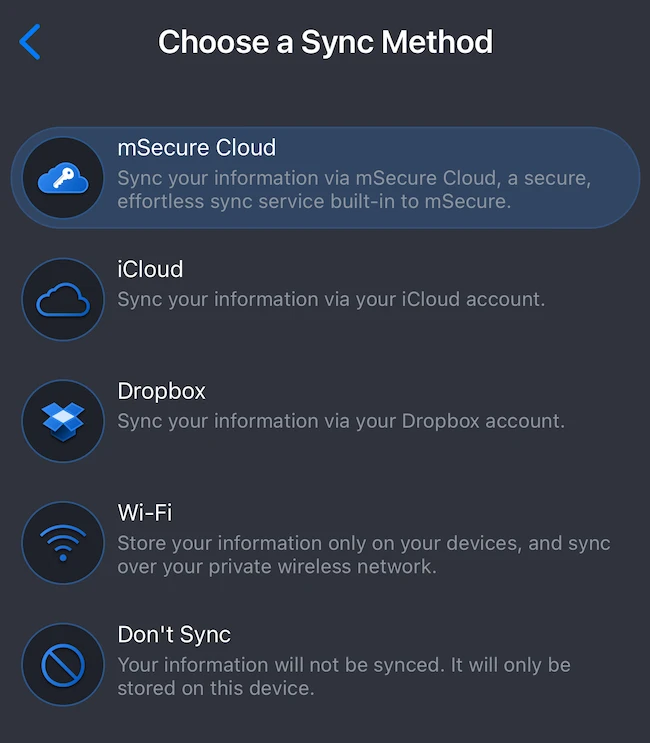
The app uses AES-256 encryption and a zero-knowledge architecture. The company does not store the account password or account key on its servers. Users can synchronize their vault through mSecure Cloud or Wi-Fi, while the iOS app also presents iCloud and Dropbox as sync options. Local-only storage is available by choosing not to sync.
Getting started
Account setup requires an email address and account password. The onboarding process explains that the password is also needed to unlock mSecure on the device. Users then select a synchronization method and can enable biometric access.
On iPhone, Face ID can unlock the vault without entering the account password each time. The account password should be retained because it may be required on another device, when restoring a backup, or when biometric authentication is unavailable.
Safari AutoFill can also be enabled during setup, allowing stored credentials to be used when signing into websites.
Organizing sensitive information
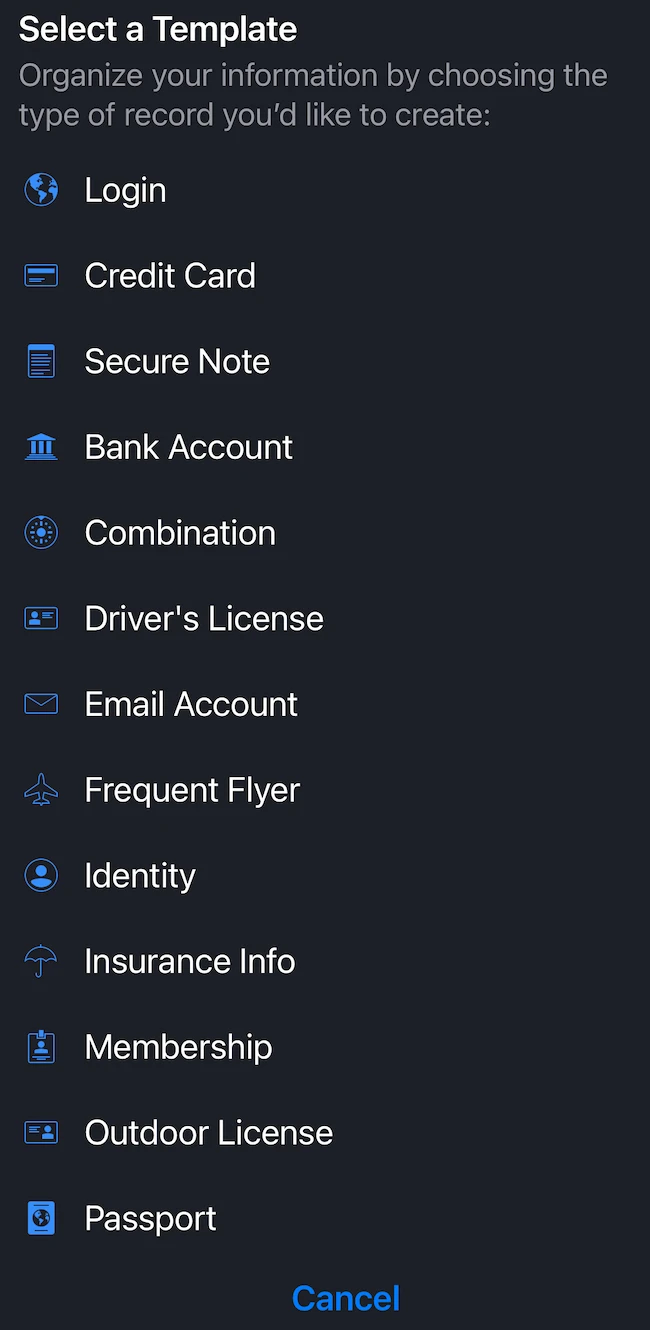
mSecure templates cover credit cards, secure notes, bank accounts, identities, driver’s licenses, email accounts, insurance information, memberships, passports, and other records.
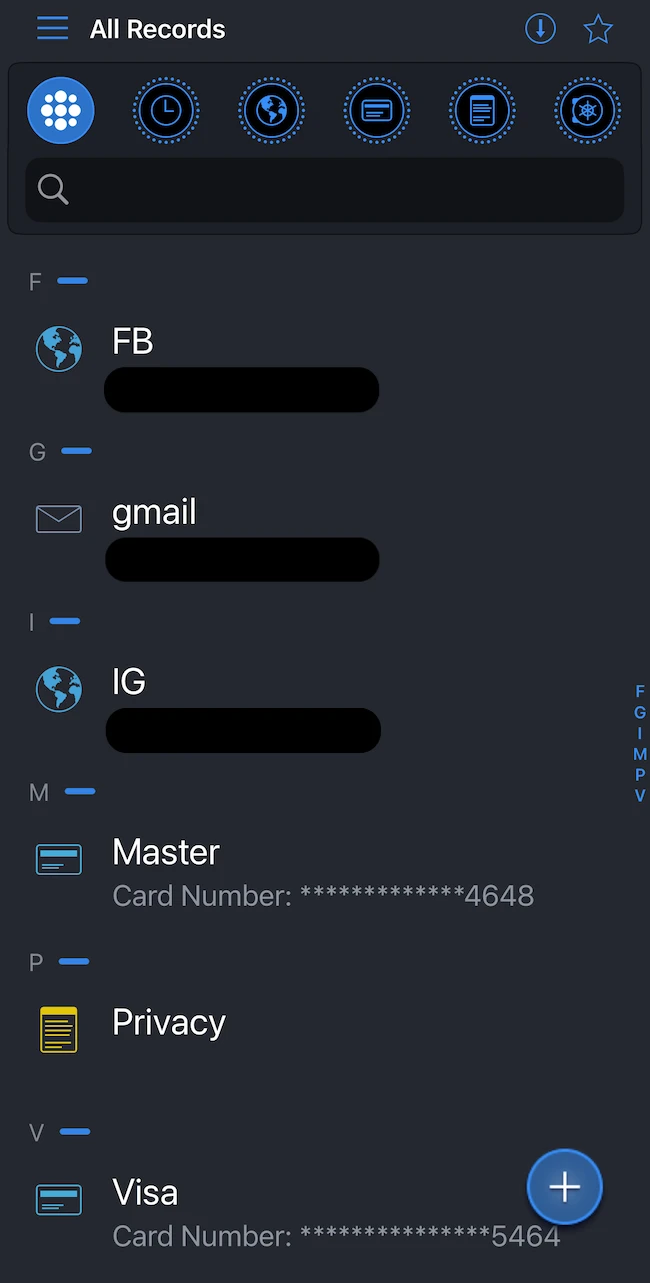
Templates and fields can be modified, with support for multiple tags, custom filters, and options to search or sort stored records. The Security Center identifies weak, reused, and aging passwords. A built-in generator creates passwords with configurable lengths and character sets.
mSecure supports passkeys and stores one-time passwords alongside login records, bringing passwordless authentication and 2FA codes into the vault. The app can identify accounts that support two-factor authentication.
Security and recovery controls
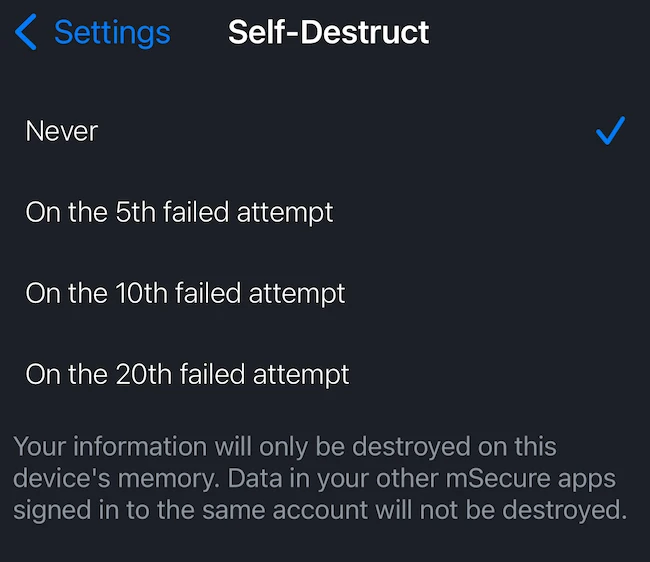
Two-factor authentication for the mSecure account can use email, an authenticator app, or text messages. Auto-lock and biometric unlocking help control device access. The Self-Destruct feature can erase local mSecure data after 5, 10, or 20 failed unlock attempts, without affecting data stored on other devices.
Backup and restore options support data recovery. On iOS, backups can be created automatically and stored in iCloud when configured. Password history and secure credential sharing are also available for supported use cases.
Final thoughts
mSecure offers a capable mix of password management, secure data storage, and recovery features without making everyday use unnecessarily complicated. It is particularly well suited to users who value control over how and where their encrypted vault is synchronized.
